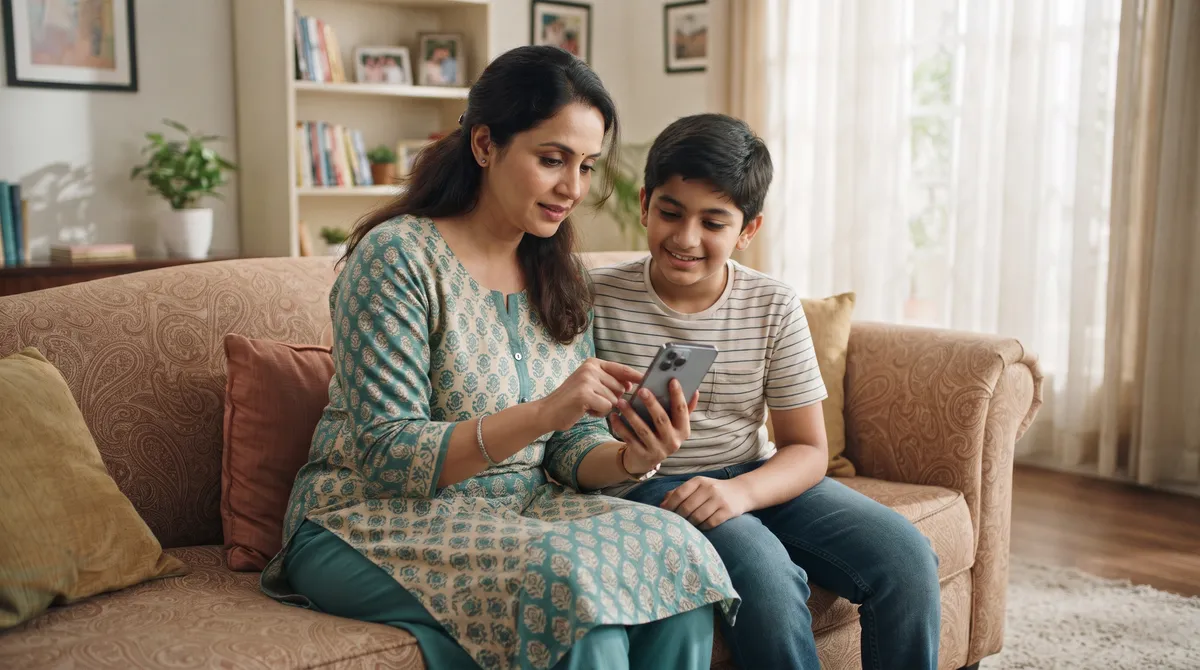
Direct answer: The best parental controls in India today are the ones you switch on yourself, together with your child: an Instagram Teen Account with supervision, a supervised YouTube account (or YouTube Kids under 13), phone-level time limits, and one house rule that the phone charges outside the bedroom at night. India’s new data-protection rules will make platforms seek a parent’s consent for children’s data, but those duties are being phased in over 18 months, so for now the protection your child gets mostly depends on a 20-minute setup at home.
Key takeaways
- India’s Digital Personal Data Protection (DPDP) Rules were notified on 14 November 2025 with an 18-month phased compliance period. They require verifiable parental consent before a child’s personal data is processed, with penalties of up to ₹200 crore for breaking child-related duties.
- Instagram Teen Accounts in India are private by default. Under-16s need a parent’s approval to loosen settings, and the app adds time reminders and a night-time sleep mode (10 pm to 7 am).
- The Indian Academy of Pediatrics (IAP) recommends no screens under age 2, up to 1 hour a day of supervised screen time for ages 2 to 5, and under 2 hours for ages 5 to 10.
- Settings fail when a child feels spied on. Do the setup together, explain why, and review the rules every month.
- Your one action: this weekend, block 20 minutes and do the setup below with your child.
11:40 pm, and the feed won’t stop
Picture a 14-year-old in bed, phone in hand, one reel after another. Nothing in the app tells him to stop, and nobody in the house knows he is still awake. Many Indian parents will recognise this scene, and a national newspaper opened its report with exactly this picture in early November, arguing that platforms protect children more strongly in the US and Europe than in India.
You can’t rewrite platform policy. But you can change what happens on your child’s phone tonight. Most of the protections already exist inside the apps; they are simply switched off, set too loosely, or tied to a fake birth date. This guide walks through them in the order that gives the biggest benefit for the least effort.
What the law says (and when it starts to bite)
| Point | What the DPDP Rules say | What it means at home |
|---|---|---|
| Notification | Notified 14 November 2025, with an 18-month window for phased compliance | Child-specific duties arrive around mid-2027, not today |
| Children’s data | Verifiable consent from a parent or guardian before processing a child’s personal data; exceptions for essentials such as healthcare, education and real-time safety | Expect apps to ask you to confirm consent and age in future |
| Penalty | Up to ₹200 crore for violating obligations relating to children | Strong push on companies, but no limit on screen hours |
The law will push platforms to verify age and seek consent. It won’t decide how many hours your child scrolls or what time they sleep. That is still a home decision, and it is the part you control right now.
The 20-minute setup (do it together)
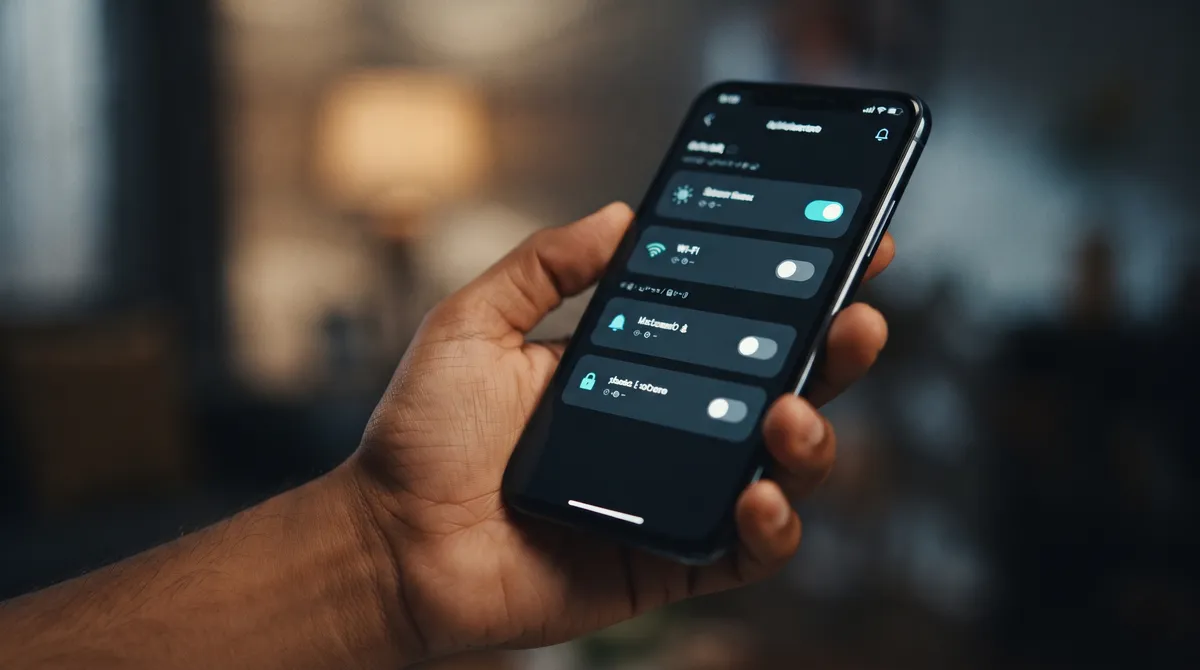
Sit side by side, with the child holding the phone. You are not taking the phone away; you are setting the brakes on it. Each step takes about five minutes.
1. Instagram (5 minutes)
First, make sure the account carries your child’s real birth date. Teen Account protections only apply when Instagram knows the user is a teen.
- Private account: on by default for teens; check that it is still on.
- Messages: only from people they follow.
- Sensitive content: the most restrictive setting.
- Sleep mode: 10 pm to 7 am, which mutes notifications and sends auto-replies.
- Supervision: turn it on. You can then set daily time limits, block the app at certain hours, and see who your child messaged in the last 7 days (not the messages themselves).
2. YouTube (5 minutes)
- Under 13: use YouTube Kids or a supervised account set up through Google Family Link.
- Choose a content level that matches your child’s age, not the level they ask for.
- Turn off autoplay and turn on Restricted Mode, so one video doesn’t silently become ten.
- Block specific videos or channels you are not comfortable with, and pause watch history if the recommendations have gone off track.
3. The phone itself (5 minutes)
- Set app time limits and a bedtime in Digital Wellbeing (Android) or Screen Time (iPhone).
- The phone charges outside the bedroom at night. This single rule protects sleep better than any app setting, because it removes the temptation instead of fighting it.
4. The conversation (5 minutes)
Settings fail if a child feels spied on. Teens are good at finding workarounds when they feel controlled, and much less motivated to when they helped make the rules. Explain the why in one line: “Apps are designed to keep you watching; these settings are our brakes.” Then agree on the rules together and put a monthly review on the calendar.
Which setting does what: a quick comparison
| Problem you want to fix | Setting that helps most | Where |
|---|---|---|
| Scrolling late at night | Sleep mode + phone charges outside the bedroom | Instagram + house rule |
| Messages from strangers | Private account + messages only from people they follow | |
| Endless video chains | Autoplay off + supervised account | YouTube / Family Link |
| Total hours too high | Daily time limits | Instagram Supervision + Digital Wellbeing / Screen Time |
| Unsuitable content | Most restrictive sensitive-content setting + Restricted Mode | Instagram + YouTube |
Worked example: what one hour a day adds up to
Suppose your child scrolls about 3 hours a day. That is 21 hours a week, or roughly 90 hours a month, about the same as two full working weeks. If sleep mode and a daily limit cut just one of those hours, your child gets back around 30 hours a month for sleep, study, play or family time. This is an illustration, not a measured average; the point is that small daily limits add up to large monthly gains.
Signs to watch
The IAP guideline asks families to watch for cyberbullying and media addiction, and to get expert help when needed. In day-to-day life, these are practical red flags worth noticing:
- losing sleep or being hard to wake;
- falling grades or missed homework;
- irritability or anger when the phone is taken away;
- growing secrecy about apps and contacts;
- dropping outdoor play and offline friends.
If several of these appear together, talk first, calmly, and consider speaking to your paediatrician or school counsellor.
Common mistakes parents make
| Mistake | Why it backfires | Better move |
|---|---|---|
| Setting controls secretly | The child discovers them and starts hiding things | Set them up together and explain why |
| Accepting a fake birth date | Teen protections never switch on | Use the real date of birth on every account |
| Banning the phone completely | Rules break the moment you are not watching | Agree on limits and routines instead |
| Phone in the bedroom “just for the alarm” | Late-night scrolling becomes easy | Use a cheap alarm clock; phone charges outside |
| Set once, never review | Apps and children both change fast | Review the settings together every month |
Your one action
This weekend, sit with your child for 20 minutes and go through the four steps above together, not secretly. Finish by choosing where the phone will charge at night.
Honest limits
- No setting is foolproof. Teens can create second accounts with fake birth dates. Trust and conversation matter more than control.
- Platform menus change often; if a setting looks different, check the app’s official help pages.
- The IAP guideline gives no single hour limit for adolescents; it focuses on balancing screens with sleep, study, physical activity and family time.
- We could not confirm an exact start date for the child-related DPDP duties beyond the 18-month phased window, so we have not quoted one.
Frequently asked questions
How much screen time is OK for children in India?
The Indian Academy of Pediatrics recommends no screens under age 2, up to 1 hour of supervised screen time a day for ages 2 to 5, and under 2 hours for ages 5 to 10.
Does Instagram have parental controls in India?
Yes. Teen Accounts launched in India in February 2025, with private accounts by default, supervision, time limits and a night-time sleep mode.
Does India’s DPDP law need parental consent for children?
Yes. The DPDP Rules require verifiable consent from a parent or guardian before a child’s personal data is processed, with exceptions for essentials like healthcare and education. Companies get an 18-month phased period to comply.
What is the safest YouTube option for a child under 13?
YouTube Kids, or a supervised account managed through Google Family Link, with autoplay off and a content level chosen by the parent.
Should I take my child’s phone away?
Usually rules and routines work better than bans. Agree on limits together and keep the phone out of the bedroom at night.
How often should I review the settings?
Once a month is a good rhythm, and whenever your child installs a new app or changes phones.
Written by Kuldeep, Zenitho · Last updated: 22 November 2026
Related reading
- You Don’t Need a Monastery: A Mental Reset You Can Do This Week
- Why Boredom Is Good for Your Creativity
- You Didn’t Lose Your Creativity. You Learned to Fear Judgment.
- Let AI Do the Work, Not the Thinking: 6 Habits That Keep Your Mind Sharp
Sources
- Press Information Bureau, Government of India: Digital Personal Data Protection Rules, 2025 (notified 14 November 2025)
- Meta Newsroom: Introducing Teen Accounts in India on Instagram (11 February 2025)
- Indian Academy of Pediatrics: Guidelines on Screen Time and Digital Wellness, Indian Pediatrics, 2022
- Google Families Help: Parental controls for supervised accounts on YouTube
Topic pointer: Dainik Bhaskar, 1 November 2026. No text or images from the newspaper were used.
हर नया आर्टिकल, वीडियो और रोज़ का एक छोटा self-improvement टिप — सीधे आपके WhatsApp पर। Free, no spam.



Leave a Reply